
Add subtitles to video
#!/bin/zsh

# Automatic subtitle burn + frame count + if you want CPU limit

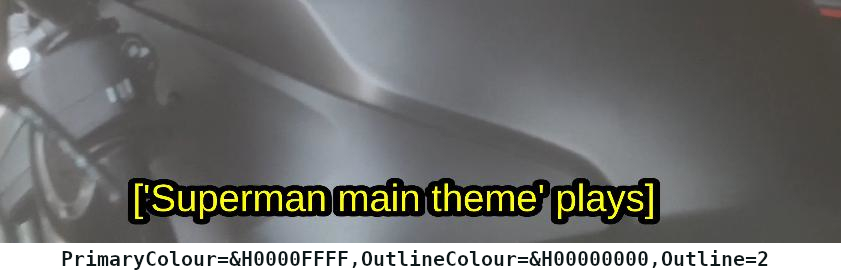
# letters yellow and around/outline color black: PrimaryColour=&H0000FFFF,OutlineColour=&H00000000

# if you want other color: white &H00FFFFFF = bright red &H000000FF = bright blue &H00FF0000 = bright green &H0000FF00 = cyan &H00FFFF00

# you can control size of letters if you add after outline like this: .....Outline=2,Fontsize=13'" .........
# you should have correct .VTT (or .srt) file, like this .vtt:
# WEBVTT
# 00:01.000 –> 00:04.671
# 1) Check if tools are installed
command -v ffmpeg >/dev/null 2>&1 || { echo “ffmpeg not found. Please install it.”; exit 1; }
command -v mediainfo >/dev/null 2>&1 || { echo “mediainfo not found. Please install it.”; exit 1; }
command -v cpulimit >/dev/null 2>&1 || { echo “cpulimit not found. Please install it.”; exit 1; }
echo “Tools verified.”
# 2) Find files
# Note: ls might fail if no files match, returning non-zero.
video=$(ls *.mp4 2>/dev/null | head -n 1)
subs=$(ls *.vtt 2>/dev/null | head -n 1)
# Debug: Print what we found
echo “Debug: Found video: ‘$video'”
echo “Debug: Found subs: ‘$subs'”
if [[ -z “$video” || -z “$subs” ]]; then
echo “Error: Need one .mp4 and one .vtt file in this folder.”
echo “Current directory: $(pwd)”
echo “Files in directory:”
ls -la
exit 1
fi
output=”${video%.mp4}-sub.mp4″
echo “Frame count for \”$video\”:”
mediainfo –FullScan “$video” | grep “Frame count”
echo
echo “Processing \”$video\” with subtitles \”$subs\” …”
# Limit CPU usage to 70% (Uncomment if you want to use it)
# cpulimit -l 70 — ffmpeg ….
ffmpeg -hide_banner -loglevel info -i “$video” \
-vf “subtitles=$subs:force_style=’PrimaryColour=&H0000FFFF,OutlineColour=&H00000000,Outline=2′” \
-c:v libx264 -crf 23 -preset medium -c:a copy -threads 2 “$output”
echo “Done → $output”